
Nova meets you.
Nova reads your website, your market, and your competitors, then asks what matters most. First findings arrive in a few minutes.
Meet Nova →For founders and leaders
Nova, your AI Chief Marketing Officer, studies your business, agrees one goal with you, and runs the team against it every week. You approve what ships.
Free for 14 days with your Claude or ChatGPT account, no card, then $99 a month. No AI account? Pay as you go from $20.
How it works
One conversation to start. Then a weekly rhythm you don’t have to chase.
Nova reads your website, your market, and your competitors, then asks what matters most. First findings arrive in a few minutes.
Meet Nova →One number, where it stands today, and a date. Nova proposes it. You approve it, or change it.
Maya writes, Sarah fixes your SEO, James measures. Every draft comes to you before it goes live.
Meet the team →Every Monday
A short readout lands in your inbox each Monday: where your goal stands, what the team shipped, and what’s coming up. You stay in charge without running the work yourself.
Nova · Monday readout
Week of Nov 2 · sample
The goal
Demo requests this month
24
→ 40 goal
Started at 18 · +3 this week
Nova: Demo requests rose by 3, most of them from the new comparison page. This week Maya writes a second one.
Shipped last week
Waiting for your review
Coming up
Sample readout. Yours reports on the goal you approve, from your own numbers.
What the team makes

Writing · Maya
Articles, comparison pages, and launch copy, drafted from your keyword data in your voice.
Read an article Maya wrote
SEO · Sarah
The pages close to ranking, and the titles, links, and gaps holding them back.
Open an SEO review Sarah wrote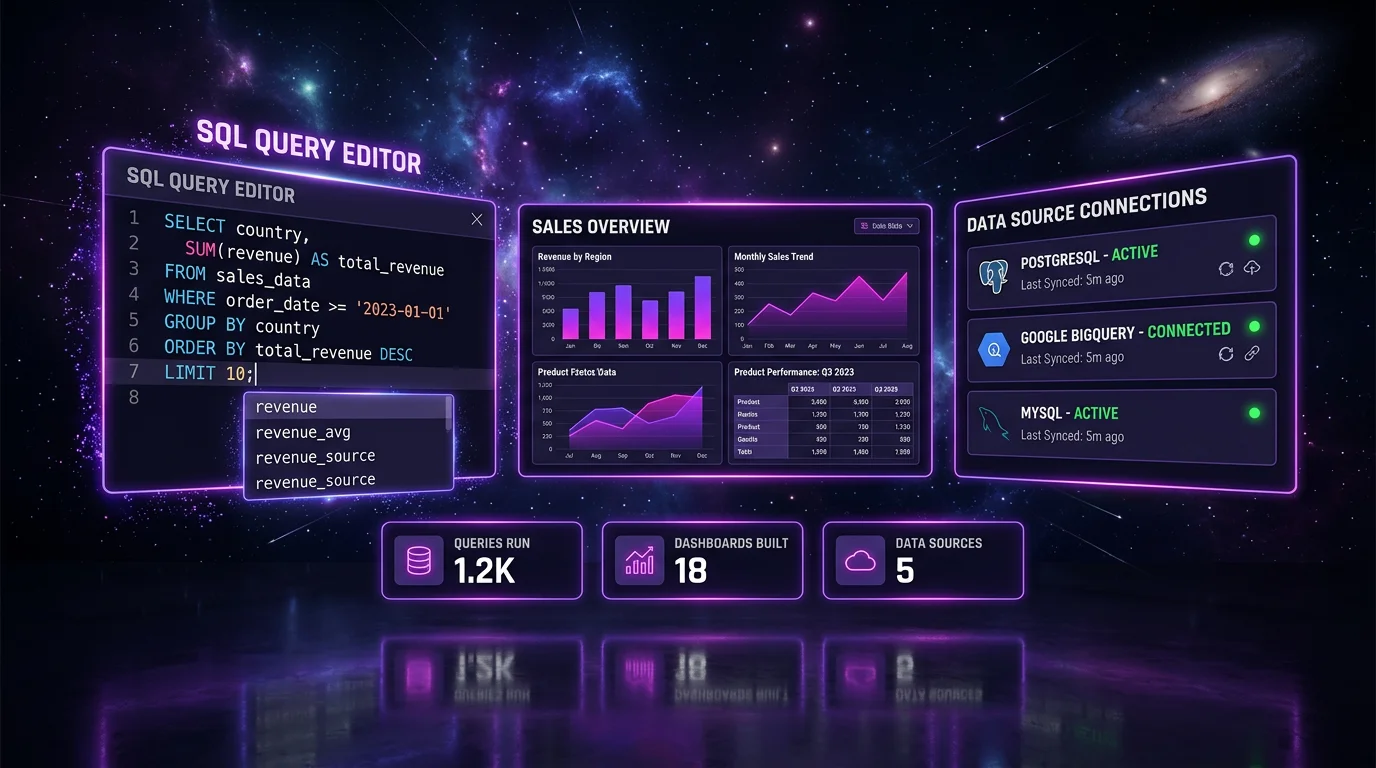
Measurement · James
Your Search Console and Analytics numbers, with what changed and why, down weeks included.
See a weekly traffic report
Images
On-brand product shots and creatives for every channel.
See the visuals the team makes
Video
From a brief or a product image to a clip you can post.
See the videos the team makes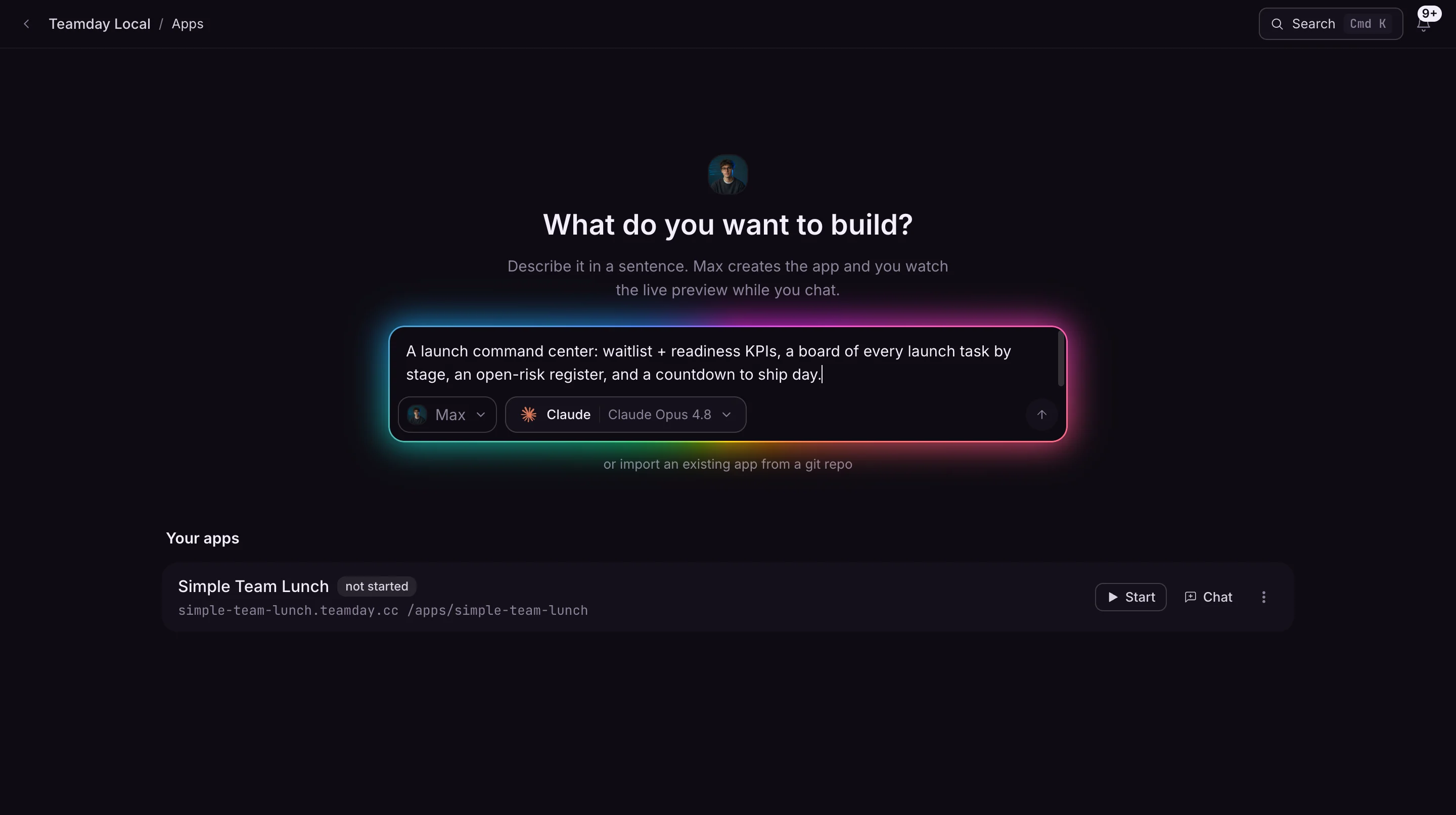
App Builder
A page or a calculator, built from a brief and ready for you to preview and share.
See the pages the team buildsSample work
Your call, every time
Every draft lands in your review. Approve it, change it, or send it back with a note.
What Nova learns about your business lives in Knowledge, where you can read and edit it. Every brief starts from there.
Explore Knowledge →Run the team on the Claude or ChatGPT account you already pay for, or pay as you go on ours with AI credits from $20, no subscription.
See pricing →Start this week
Tell Nova what to work on first. Free for 14 days, no card.


